Last lesson: Oct 2
MA
Guide
Store them where you teach. A drive or Notion keeps files safe, but the lesson happens on a screen share, so every worksheet still gets sent and filed again. Below are the usual options side by side, and what to look for: a folder per student, topics inside it, and a student who opens the same thing you do.
Updated
Lessons, materials and progress for every student in one place.
Free storage figures are each provider's own on 4 November 2026. The last column is the one that decides how much sending you do.
| Free storage | Sorted by student | How the student opens it | The lesson happens there | |
|---|---|---|---|---|
| Tuboard | Free during beta, files up to 50 MB each | Yes: a workspace per student, topics inside | A link and a typed name | Yes: the board and the PDF side by side |
| Google Drive | 15 GB, shared with Gmail and Photos | If you make a folder per student | A shared link or an invite | No. You screen-share or open another board |
| Notion | A free plan for individuals | If you build a page per student | A published page, or an invite to a Notion account | No |
| Dropbox | 2 GB on the free Basic plan | If you make a folder per student | A shared link | No |
| WhatsApp or Telegram | Files stay in the chat | One chat per student, never by topic | Already in the chat | No |
Whatever you pick, four things decide whether you still find a worksheet in March.
Maria's materials never share a folder with Daniel's.
"Quadratics" and "Essay structure" beat dates when you come back before an exam.
The student opens the same document you edit, not v2 sent on Tuesday.
If you teach from somewhere else, filing becomes a chore that slips.
Drive and Notion solve storage. They do not solve the trip each file makes: on your screen during the lesson, into the chat afterwards, onto the student's phone as a copy, and back into the folder if you remember. The more students you have, the more of your week goes on that trip.
Each student has a workspace with topics. Drag a PDF, a Word document, an image, an audio or a video file into a topic, or add a YouTube or Google Docs link. Notes and boards you make in the lesson land in the same topic. Your student opens all of it from one link, and you can export everything to a file whenever you like.
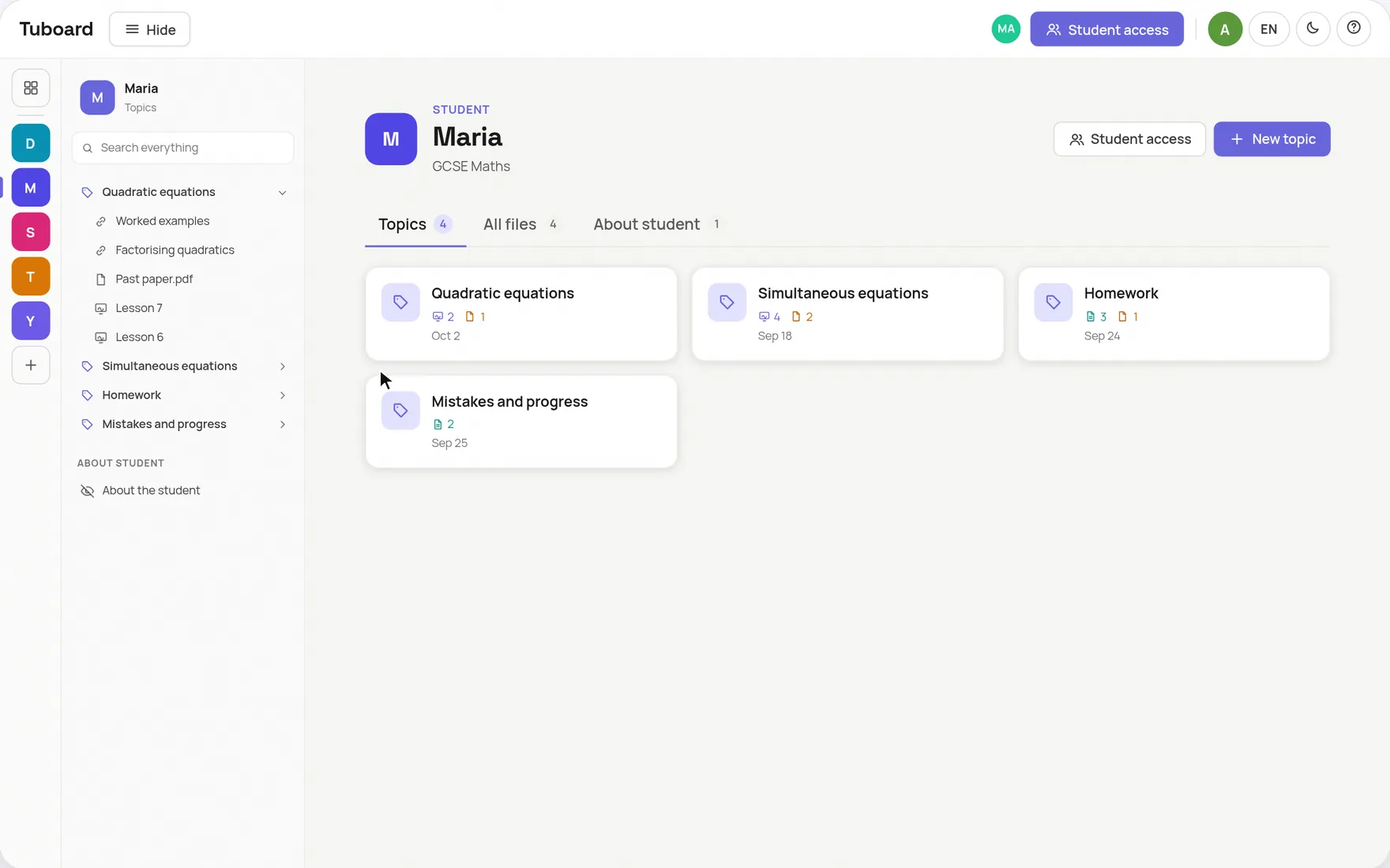
In one place per student, split by topic, and ideally in the same place you teach from. A drive works for storage. A workspace where the lesson also happens saves you the sending.
For storage, yes: 15 GB free and easy sharing. It does nothing for the lesson itself, so you still share your screen or use a separate board, and that board's work rarely gets back into the folder.
By student first, then by topic. Keep one live document per essay or solution instead of numbered versions, and name files by topic and paper, not by date.
A student who joins by link can write in the workspace's notes and boards, so homework can be done right there. Uploading files is for the tutor: a student who joins by name cannot upload.
You can export them to a file at any time. Nothing you made is deleted when a plan changes: beyond the free limit, older workspaces become read only, and they stay open and exportable.
Create a workspace, drag in the files for the topic you teach next, and send the link.
How it works from the inside.
One workspace per student or group, sorted by topic, with the lesson inside it.
ExploreA PDF beside the board, formulas, graphs and labelled figures. The board lives in the student's topic.
ExploreFractions, roots, integrals and matrices from the keyboard. No LaTeX required.
ExploreWhy general documents and whiteboards do not carry maths in a lesson.
ExploreGuides and comparisons.
Store each student's materials and teach the lesson in the same place.
ExploreOne link per student instead of attachments, homework included.
ExploreWhat it does well, and a simpler option where students need no account.
ExploreWhat a tutor template does, and where the lesson falls out of it.
ExploreA one-to-one setup that keeps the student writing, not watching.
ExploreEssays in one document, workbooks, videos and listening in the topic.
Explore