Last lesson: Oct 2
MA
Comparison
A private tutor can use Google Classroom: Google's help pages say anyone over 13 can create classes with a personal Google account, for free. It is built for a school class, though. Students sign in with a Google account to join, work is organised as assignments, and the lesson itself happens in Meet. Tuboard is built for one student at a time, who joins with a link and a name.
Updated
Lessons, materials and progress for every student in one place.
If your students are used to Classroom from school, it is familiar, and it is strong at the paperwork side of teaching.
Set work, collect it and mark it in one place.
Students see what is due and when.
Materials and assignments can be grouped by topic.
Docs, Slides and files attach straight from Drive.
Classroom assumes a teacher with a class of 30. A private tutor with twelve students, one at a time, ends up working around it.
They sign in before joining. Some school accounts cannot join a class made with a personal account.
Twelve students means twelve classes to set up and keep apart.
Classroom has no whiteboard of its own. The live part happens somewhere else.
The lesson's own working never lands back in the class.
Google Classroom details from Google's own help pages on 4 November 2026.
| Price | How a student joins | How work is organised | The live lesson | Homework | |
|---|---|---|---|---|---|
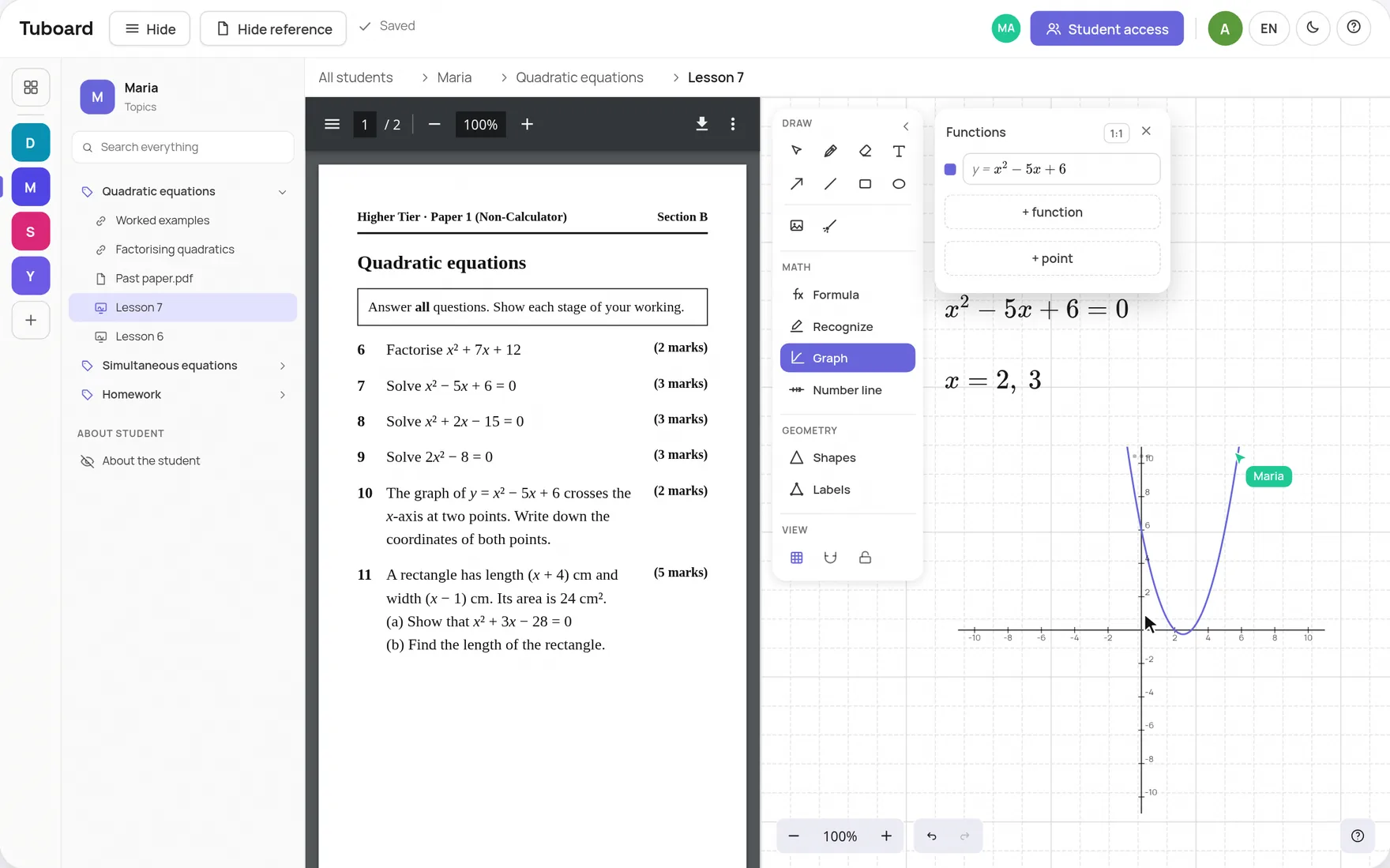
| Tuboard | Free during beta | Opens a link and types a name. Nothing else | A workspace per student, topics inside | A shared board with the PDF beside it. The call stays in Zoom or Meet | A topic the student writes in. No marks |
| Google Classroom | Free with a personal Google account | Signs in with a Google account, then a class code or link | A class, with topics in Classwork | In Google Meet. No whiteboard of its own | Assignments with due dates and grades |
If you set graded homework every week, Classroom does that well, and you can teach the lesson in Tuboard beside it. If what you need is a place per student that holds the materials and the lesson, Tuboard covers it on its own, and your student never has to create an account.
Yes. Google's help pages say anyone over 13 can create a class with a personal Google account, at no cost.
Yes. Students sign in to Classroom with a Google account and then join with a class code or link. Some school accounts are not allowed to join classes made with a personal account.
Yes. They open your link and type their name, and that is all. Signing in with Google is optional.
No. Homework lives in a topic where the student writes the answers, and you read them there. There are no marks or due dates.
Yes, as a link in the student's topic. A document that allows it opens inside Tuboard, and anything else opens in a new tab.
Create a workspace, add the next topic and send the link. Your student types a name and is in.
How it works from the inside.
One workspace per student or group, sorted by topic, with the lesson inside it.
ExploreA PDF beside the board, formulas, graphs and labelled figures. The board lives in the student's topic.
ExploreFractions, roots, integrals and matrices from the keyboard. No LaTeX required.
ExploreWhy general documents and whiteboards do not carry maths in a lesson.
ExploreGuides and comparisons.
Store each student's materials and teach the lesson in the same place.
ExploreDrive, Notion, Dropbox, a messenger or a workspace per student, compared.
ExploreOne link per student instead of attachments, homework included.
ExploreWhat a tutor template does, and where the lesson falls out of it.
ExploreA one-to-one setup that keeps the student writing, not watching.
ExploreEssays in one document, workbooks, videos and listening in the topic.
Explore