Last lesson: Oct 2
MA
Notion for tutors
A Notion tutor dashboard is a good idea: a page per student, sub-pages for topics, a table of lessons. Tutors sell and buy templates like this because the need is real. What a template cannot hold is the lesson itself. The board is somewhere else, and the student gets a copy instead of the page.
Updated
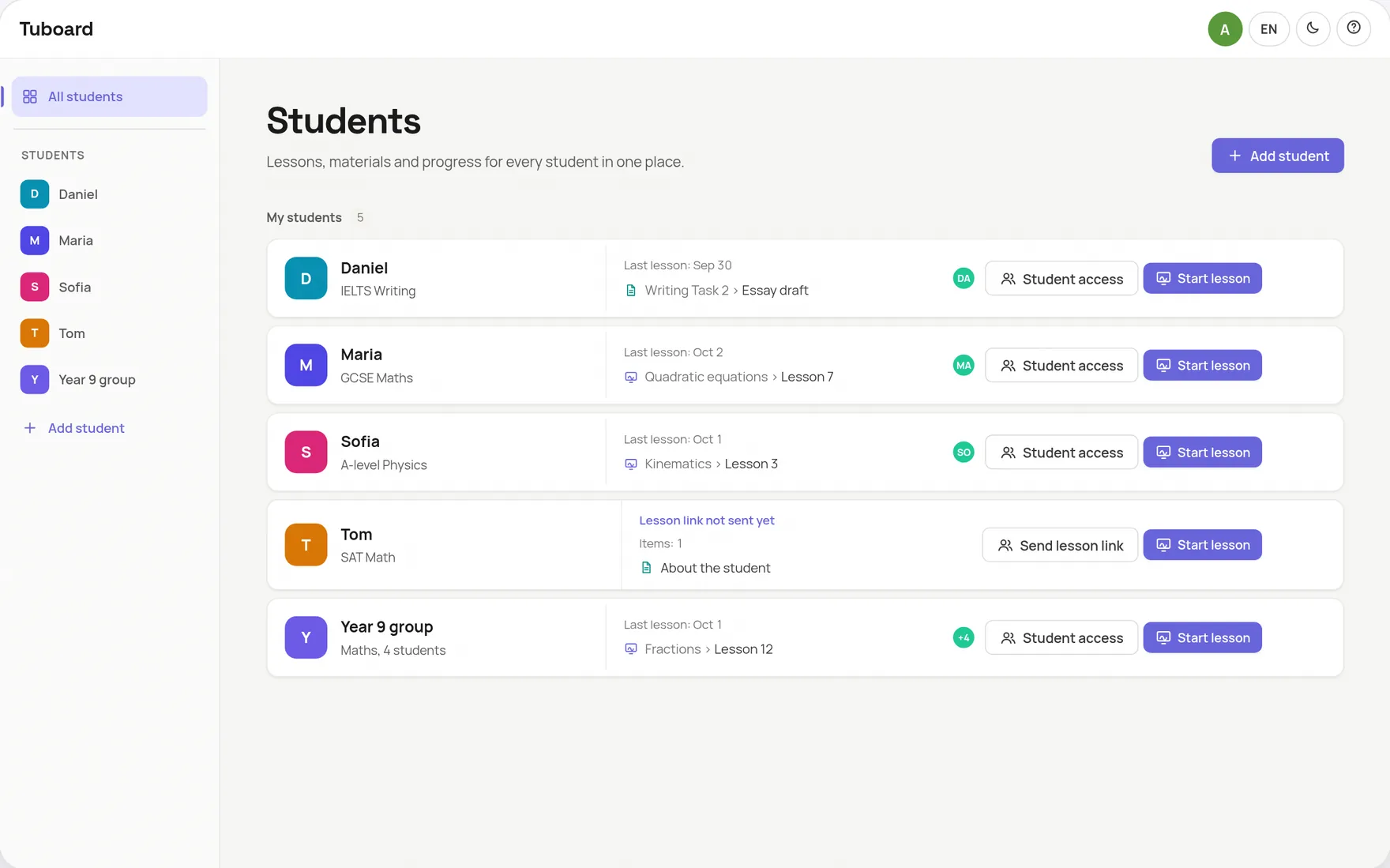
Lessons, materials and progress for every student in one place.
Done well, a Notion setup is a tidy library of everything you have taught each student.
Each student's notes, files and links in one place.
Quadratics, Essay structure, Past papers.
A table of dates, topics and what to do next time.
YouTube videos and Google Docs on the page.
Notion is a place to keep things, not a place to teach. The lesson happens on a screen share or a separate whiteboard, and whatever you wrote there has to be screenshotted back into the page.
The page sits in one tab while you teach in another app.
An equation block wants \frac{a}{b}, typed blind.
To edit a page, a guest signs in to Notion. Otherwise you publish it or send copies.
So the worksheet still travels by WhatsApp.
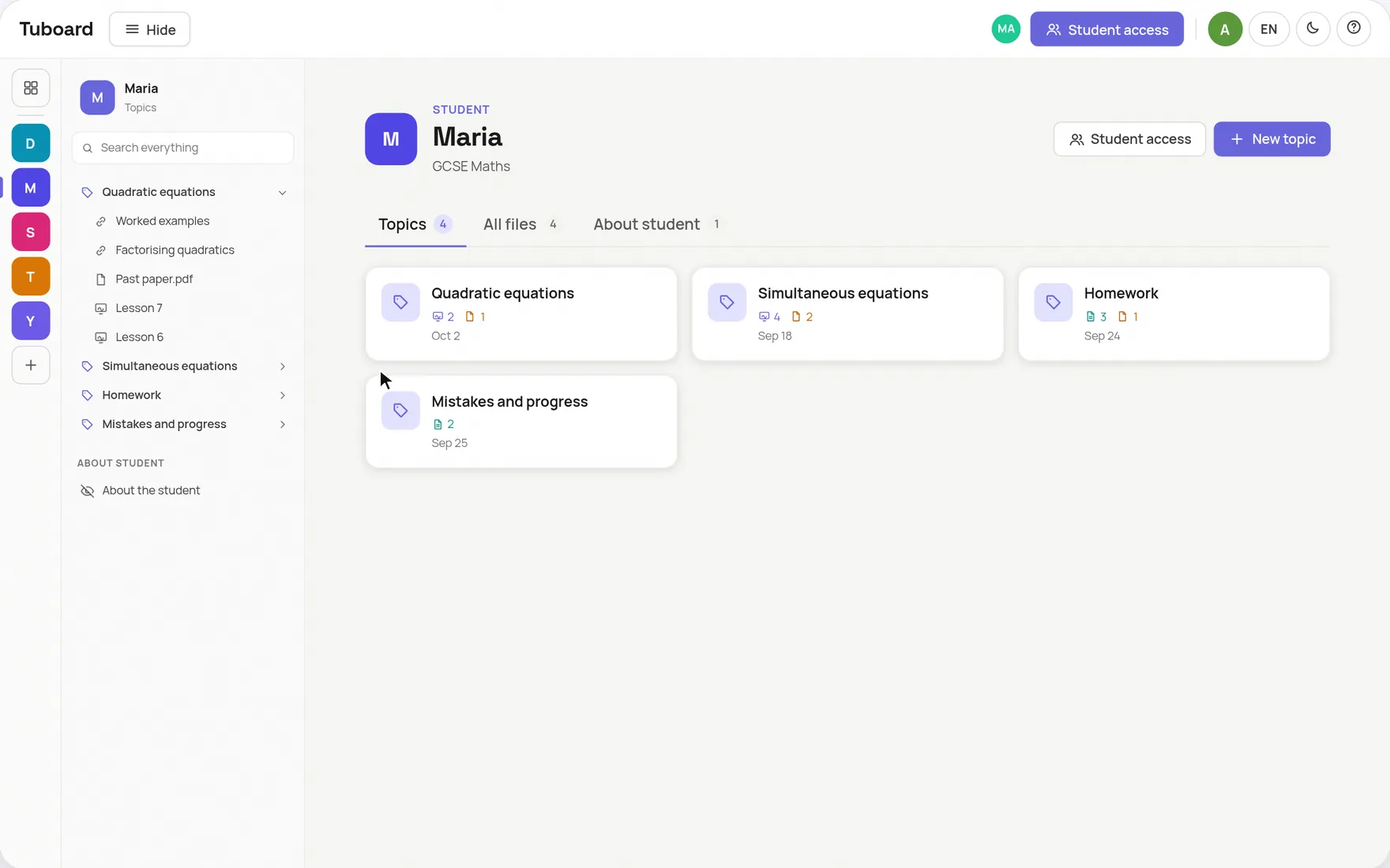
Tuboard keeps the shape of a good tutor dashboard, a workspace per student with topics inside, and puts the lesson there too. The student opens a link, types their name and writes on the same board as you, with the PDF beside it. After the lesson nothing needs copying back.
Notion is good at the business side of tutoring: a lesson log, payments, a list of enquiries. Tuboard has none of that and does not try to. You can run both: Notion for the admin, Tuboard for the teaching.
For keeping notes and files per student, yes. It was not built for the lesson, so you still teach in another app and send copies to the student.
To edit, a guest needs a Notion account. A page published to the web can be read without one. In Tuboard a student opens a link and types a name to read and write.
There is no Notion import. Text moves by copy and paste, PDFs drag into a topic, and formulas are quicker to retype from the palette.
No. Tuboard has notes, boards and files sorted by student and topic. For lesson logs or payments, keep Notion or a spreadsheet.
Free while Tuboard is in beta. A free account can create and edit 3 workspaces. Tutor Pro is planned at about $10 a month and is not open yet.
Create a workspace, add this week's topic, and send your student the link.
How it works from the inside.
One workspace per student or group, sorted by topic, with the lesson inside it.
ExploreA PDF beside the board, formulas, graphs and labelled figures. The board lives in the student's topic.
ExploreFractions, roots, integrals and matrices from the keyboard. No LaTeX required.
ExploreWhy general documents and whiteboards do not carry maths in a lesson.
ExploreGuides and comparisons.
Store each student's materials and teach the lesson in the same place.
ExploreDrive, Notion, Dropbox, a messenger or a workspace per student, compared.
ExploreOne link per student instead of attachments, homework included.
ExploreWhat it does well, and a simpler option where students need no account.
ExploreA one-to-one setup that keeps the student writing, not watching.
ExploreEssays in one document, workbooks, videos and listening in the topic.
Explore